
-
 Media gallery
-
 Media gallery
-
 Media gallery
-
 Media gallery
-
 Media gallery
-
 Media gallery
-
 Media gallery
-
 Media gallery
-
 Media gallery
-
 Media gallery
-
 Media gallery


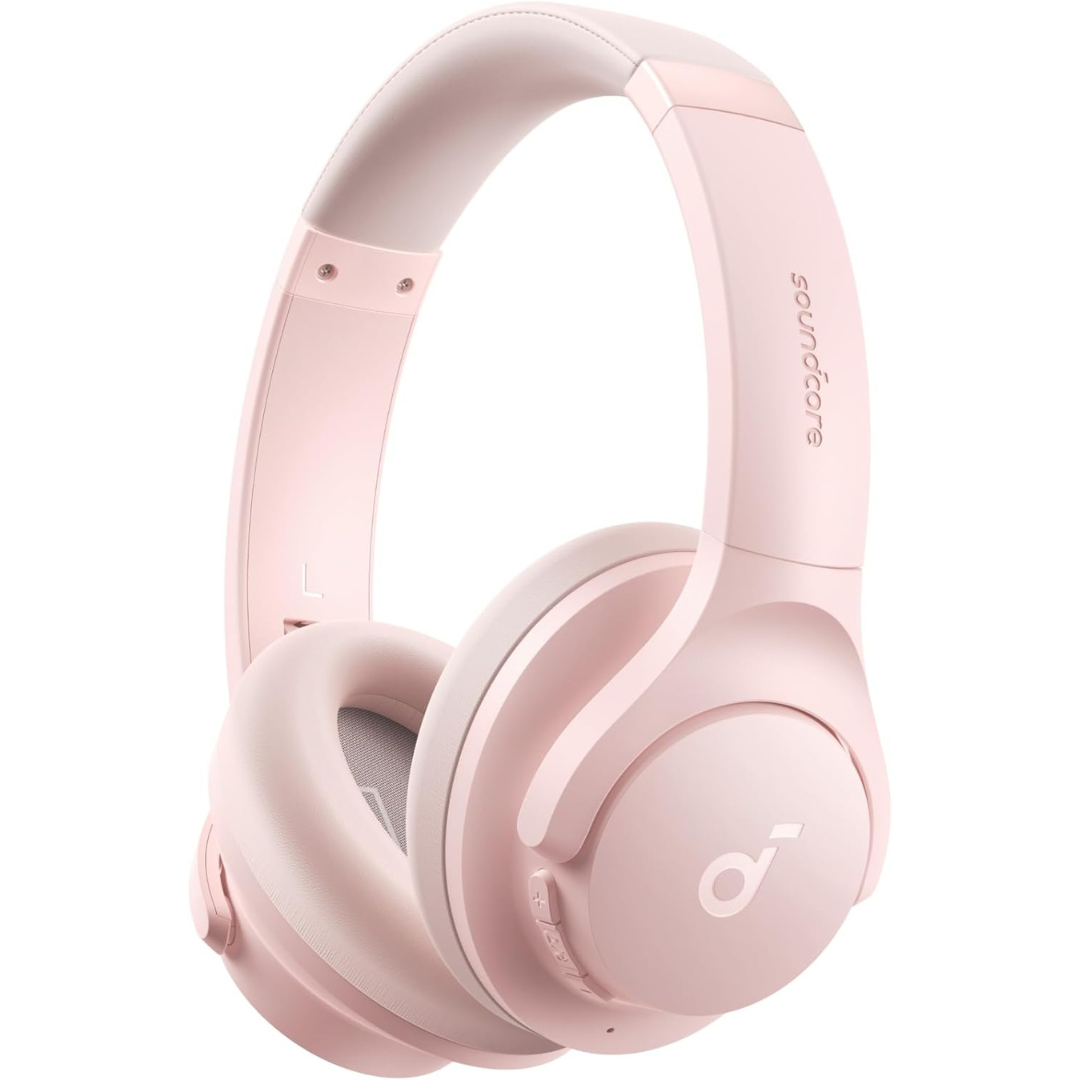
Soundcore by Anker Q20i Hybrid Active Noise Cancelling Headphones
- Regular price
- $58.01
- Regular price
-
$0.00 - Sale price
- $58.01
- Unit price
- per
Couldn't load pickup availability
Guaranteed safe checkout


Notified by email when this product becomes available

You may also like
- Description
- Tab heading
- Tab heading
- Hybrid Active Noise Cancelling: 2 internal and 2 external mics work in tandem to detect external noise and effectively reduce up to 90% of it, no matter in trains or offices.
- Immerse Yourself in Detailed Audio: The noise cancelling headphones have oversized 40mm dynamic drivers that produce detailed sound and thumping beats with BassUp technology for your every travel, commuting and gaming. Compatible with Hi-Res certified audio via the AUX cable for more detail.
- 40-Hour Long Battery Life and Fast Charging: With 40 hours of battery life with ANC on and 60 hours in normal mode, you can commute in peace with your Bluetooth headphones without thinking about recharging. Fast charge for 5 mins to get an extra 4 hours of music listening for daily users.
- Dual-Connections: Connect to two devices simultaneously with Bluetooth 5.0 and instantly switch between them. Whether you're working on your laptop, or need to take a phone call, audio from your Bluetooth headphones will automatically play from the device you need to hear from.
- App for EQ Customization: Download the soundcore app to tailor your sound using the customizable EQ, with 22 presets, or adjust it yourself. You can also switch between 3 modes: ANC, Normal, and Transparency, and relax with white noise.
- Hear Your Surroundings: Switch to Transparency mode on your noise cancelling headphones when you need to be aware of your surroundings, such as transportation announcements, crossing the road, or just staying connected to the world around you.
Product FAQs
Is there a noise cancelling feature in AUX-in state?
No, the AUX-in state does not feature noise cancelling. ANC works in Bluetooth mode only - it pauses automatically in wired mode.
How should I use ANC mode for a better experience?
1. Check whether you are wearing the headphones correctly and whether the left and right are reversed;
2. Ensuire the earpads completely cover your ears;
3. Adjust the length of the headphones to ensure it fits correctly.
How can I adjust the audio settings If the default sound isn’t for me?
The Soundcore app (iOS & Android) offers multiple EQ presets as well as manual tuning, allowing you to adjust the sound profile—such as bass, mids, and treble—to better suit your listening preferences.
How do I reconnect my soundcore Q20i headphones?
Press and hold the "Power On" button for 3s until you hear the boot up tone, and the headphones will automatically reconnect to the last device. If not, after continuously sending a reconnection signal for 5s, it will enter into pairing mode again.
What to do if the headphones do not charge?
This may be caused by the insufficient power of the charger or the charger is damaged. Please recharge the headphones with a different charger with sufficient power. We recommend you use a genuline charger above 5V/.